Aviation traffic, weather, and training in immersive XR
See The Bravo turns Apple Vision Pro into a window onto the live airspace around you. Traffic flies past as real aircraft, controlled airspace rises from the ground as 3D volumes, runways light up to their published lighting systems, and weather moves over real terrain.
At a glance
- App
- See The Bravo
- Developer
- DreamingWell LLC
- Platform
- Apple Vision Pro
- Requires
- visionOS 26.2 or later, location access, and an internet connection or a compatible ADS-B receiver
- Coverage
- Aviation data covers the United States
- Launch
- November 1, 2026, on the App Store
- Price model
- Free to download. Basic and Pro are auto-renewing subscriptions. Current prices and periods are shown in the app before you subscribe.
- Website
- seethebravo.com
- Press contact
- See below
Images for coverage
Every image is a real capture of the app on Apple Vision Pro (visionOS simulator, 3840 × 2160). Nothing is painted in afterwards. The aircraft wear the fictional See The Bravo house scheme, and their traffic was placed for the shot.
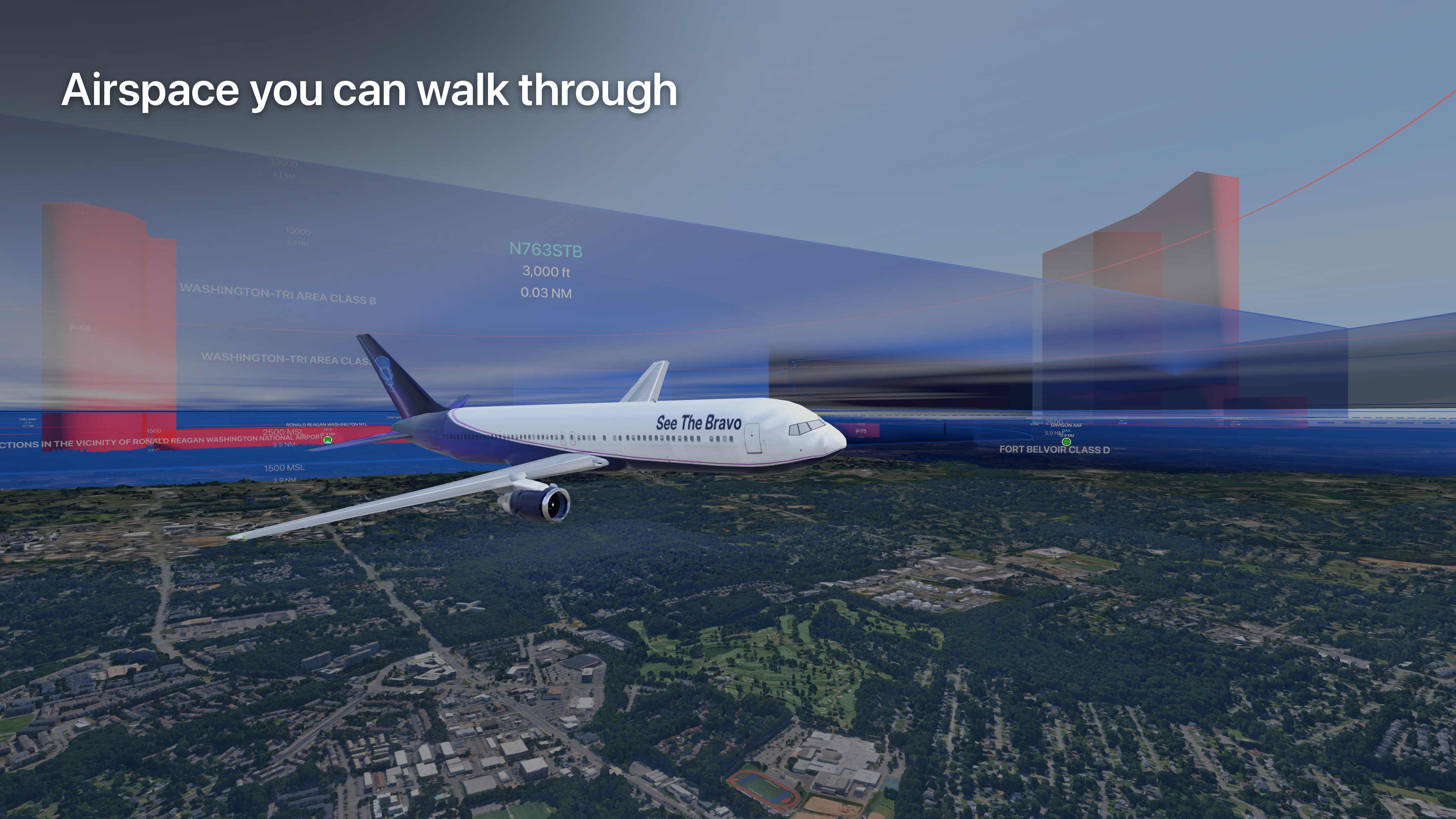
Airspace you can walk through
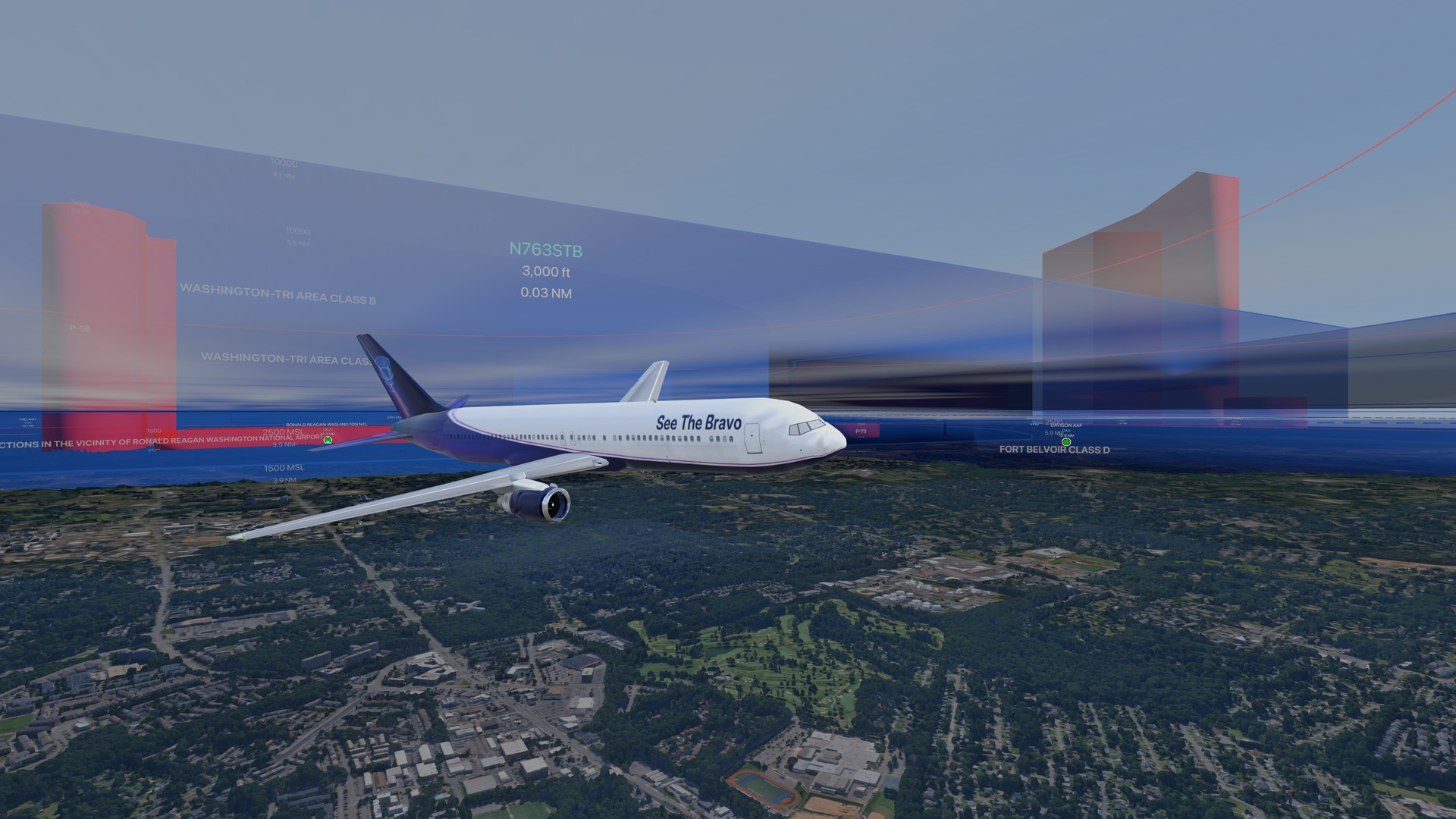
A 767 in the house scheme banks through the Washington Tri-Area Class B at 3,000 ft, with the shelves, P-56 and the DC SFRA drawn as 3D volumes with their real floors and ceilings.
Over the Grand Canyon
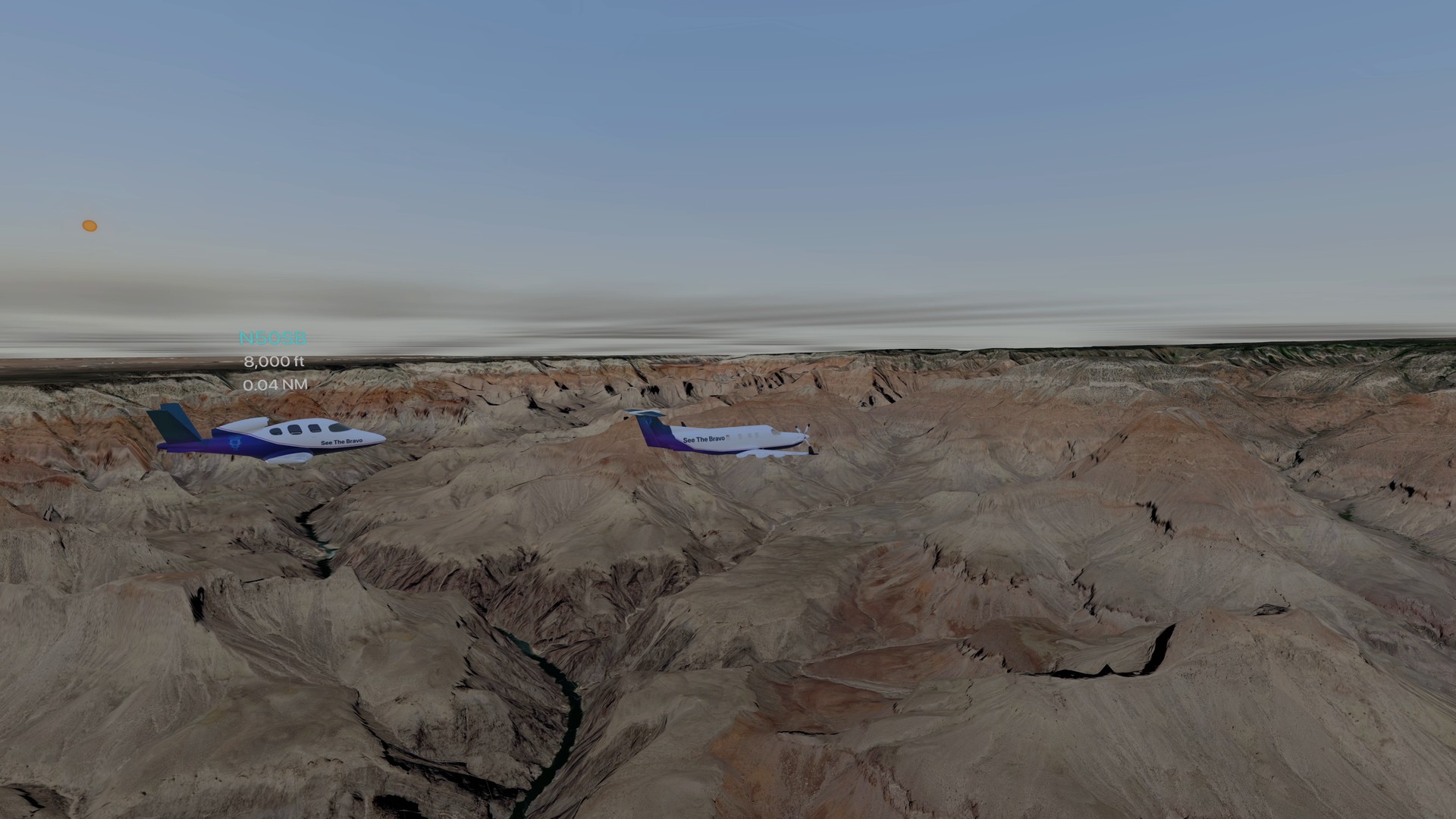
A PC-12 and a Vision Jet in echelon at 8,000 ft, northbound over the canyon in evening light, with real terrain below.
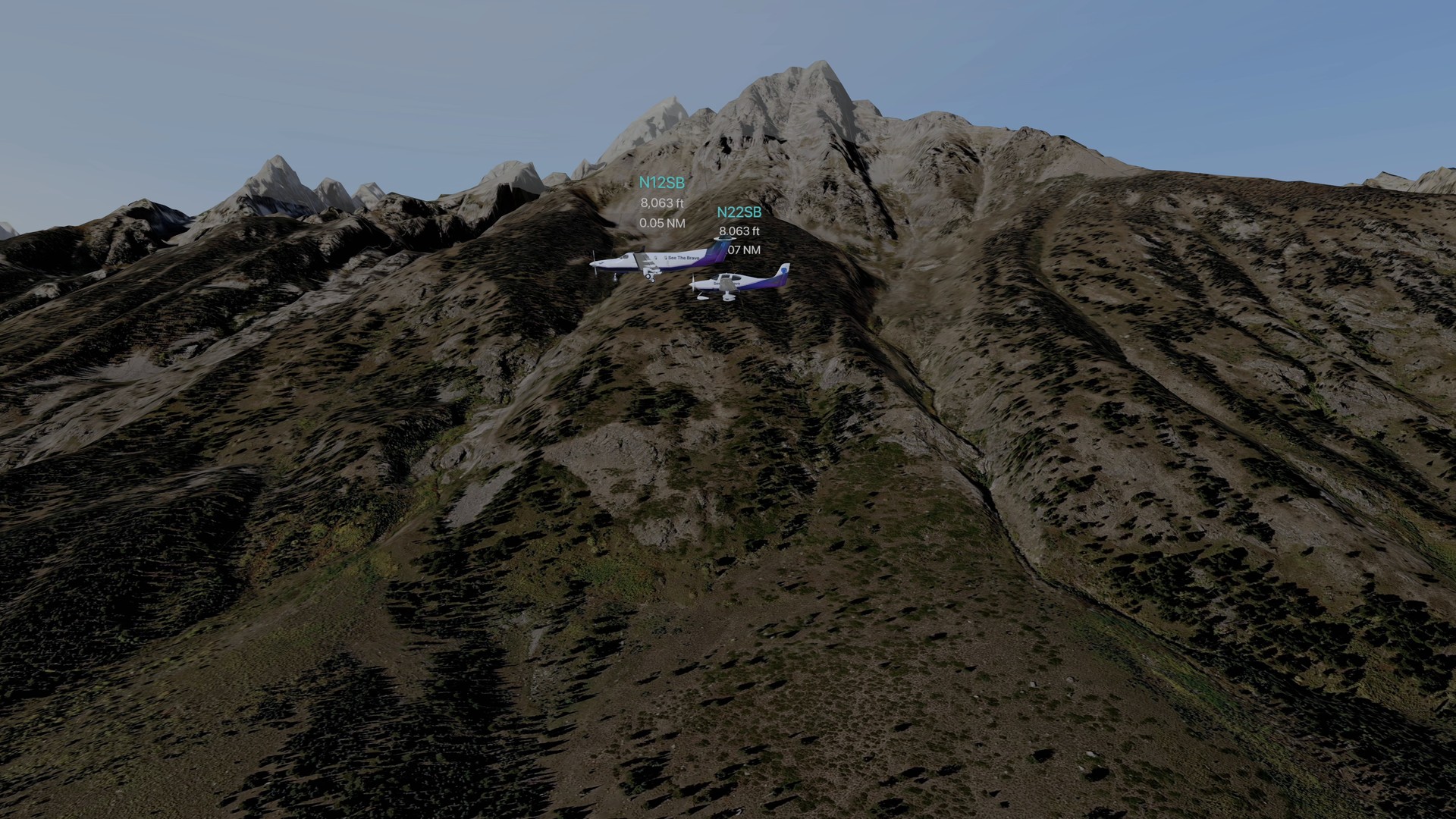
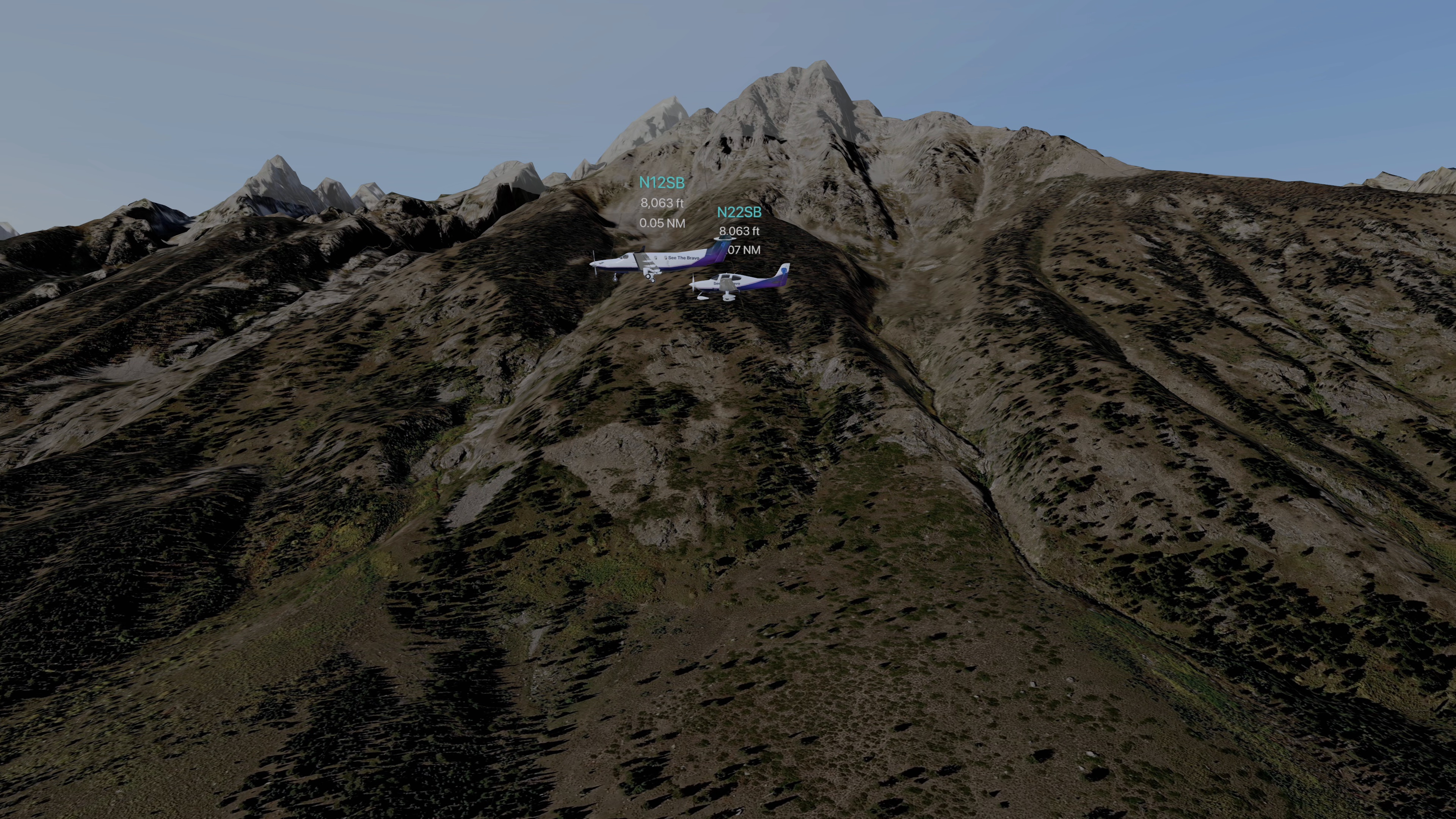
Past the Grand Teton
A PC-12 and an SR22 southbound at 8,063 ft along the Teton wall above Jenny Lake, each with its tag: registration, altitude and distance.
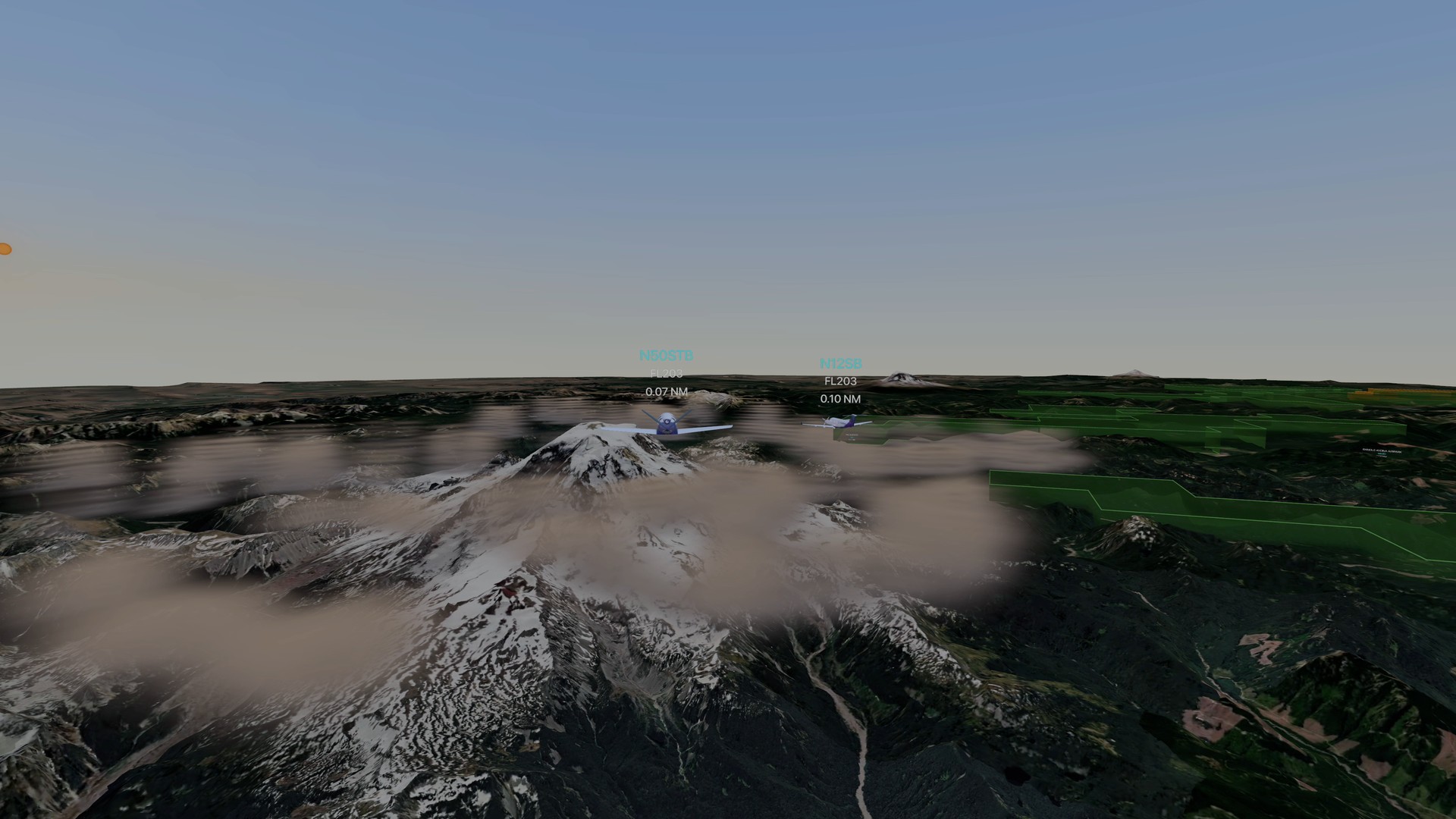
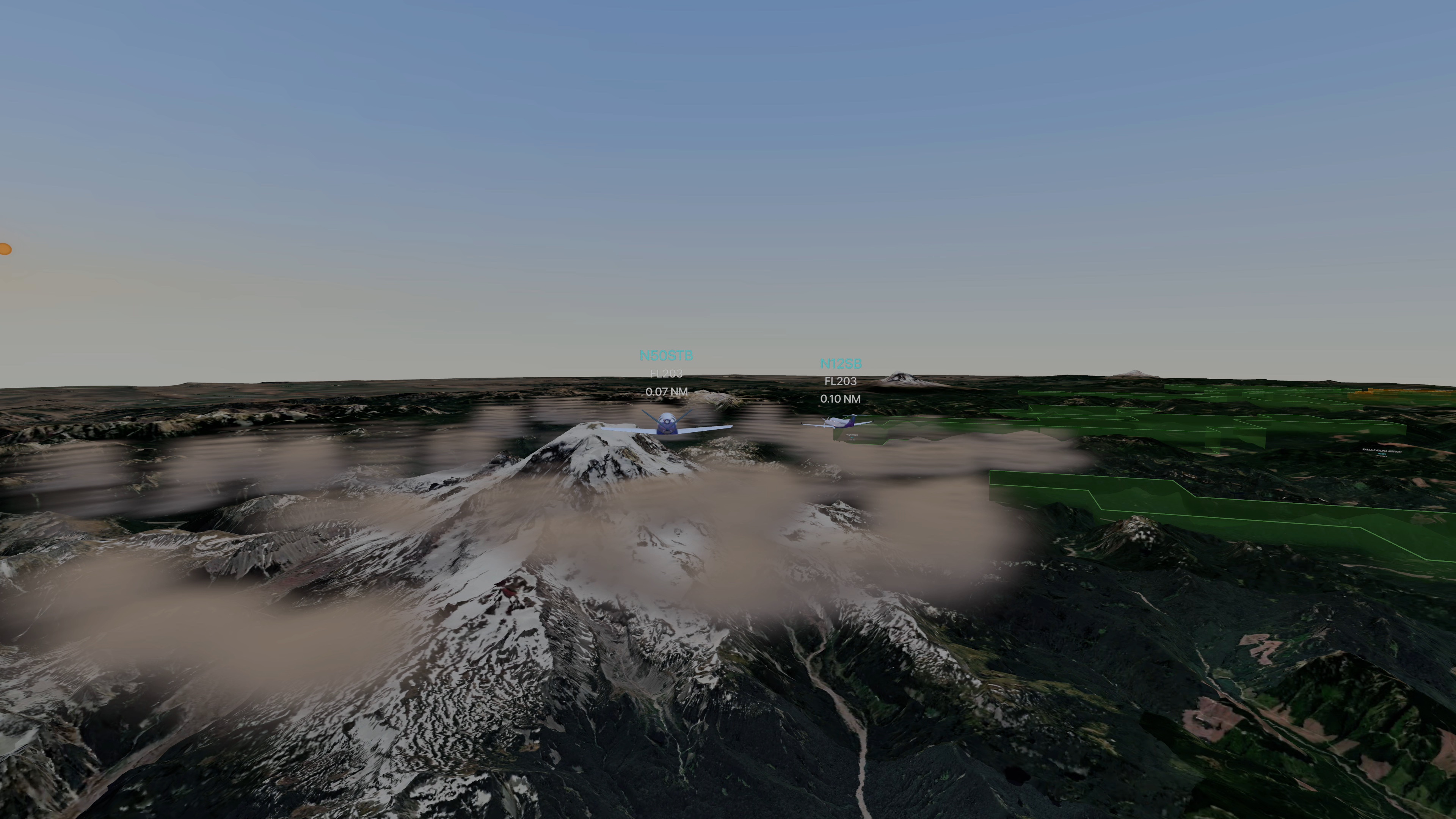
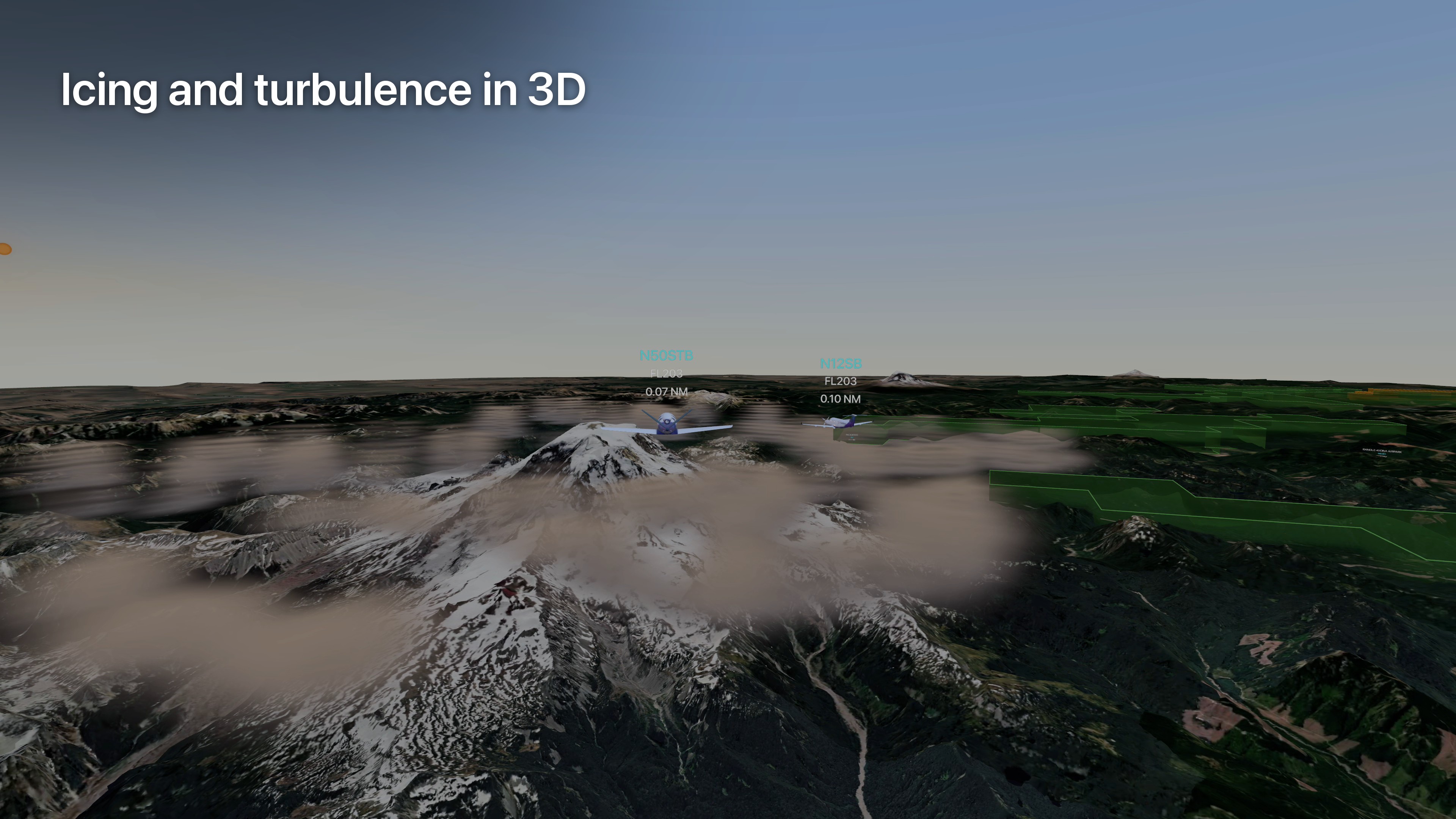
Icing and turbulence in 3D
The live gridded icing and turbulence forecasts as 3D volumes beside Mount Rainier at first light, with two aircraft crossing.
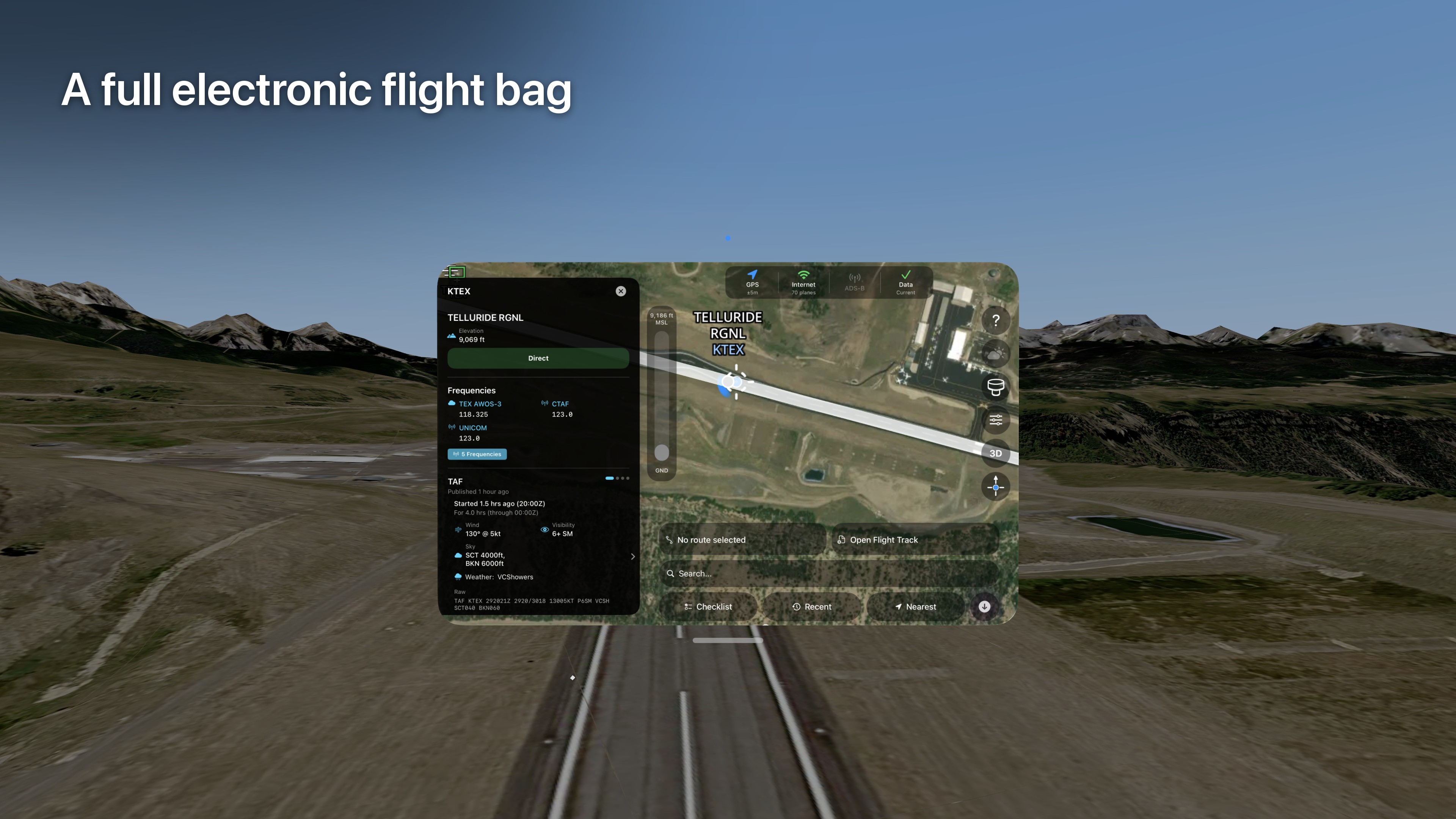
A full electronic flight bag
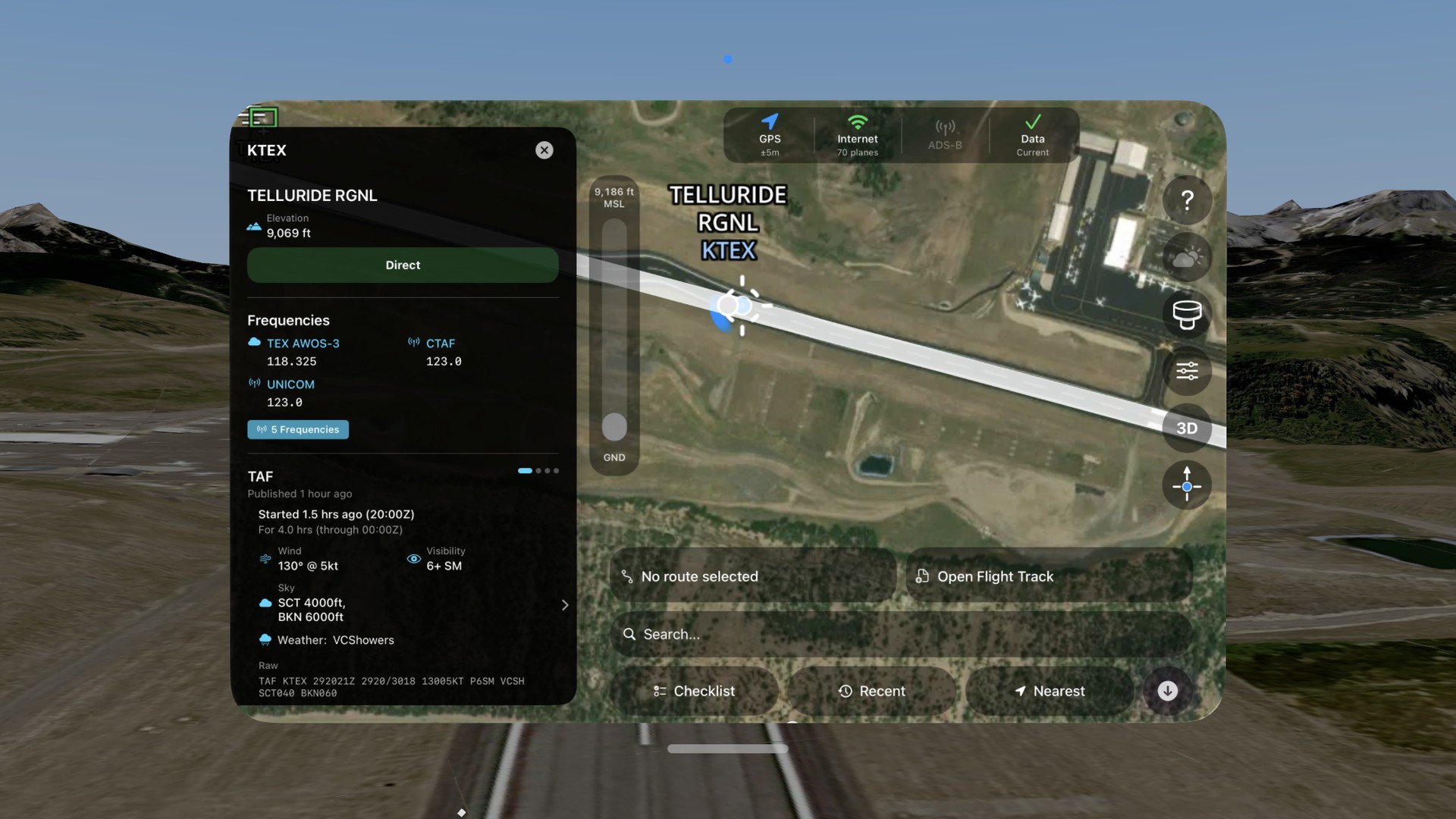
Telluride Regional's airport detail (frequencies and the live TAF) beside the satellite map, in front of the immersive view of the runway and the San Juans.
Looking down the approach
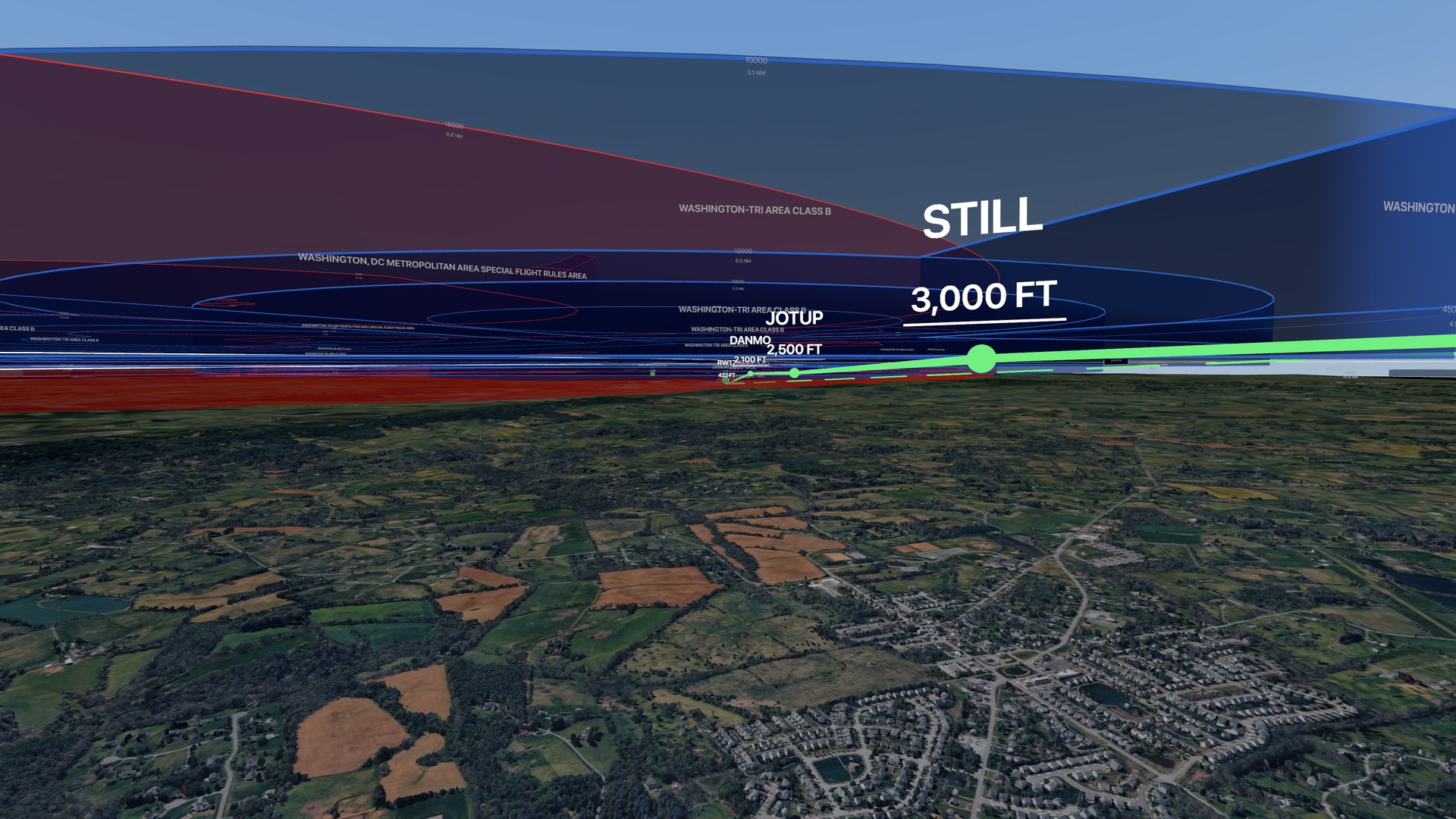
Final for runway 17 at Leesburg Executive (JYO), from 3,000 ft. The ILS 17 steps down from STILL at 3,000 ft through JOTUP and DANMO to the runway, under the Washington Tri-Area Class B and the DC Special Flight Rules Area.
Plan a route, see it in the sky
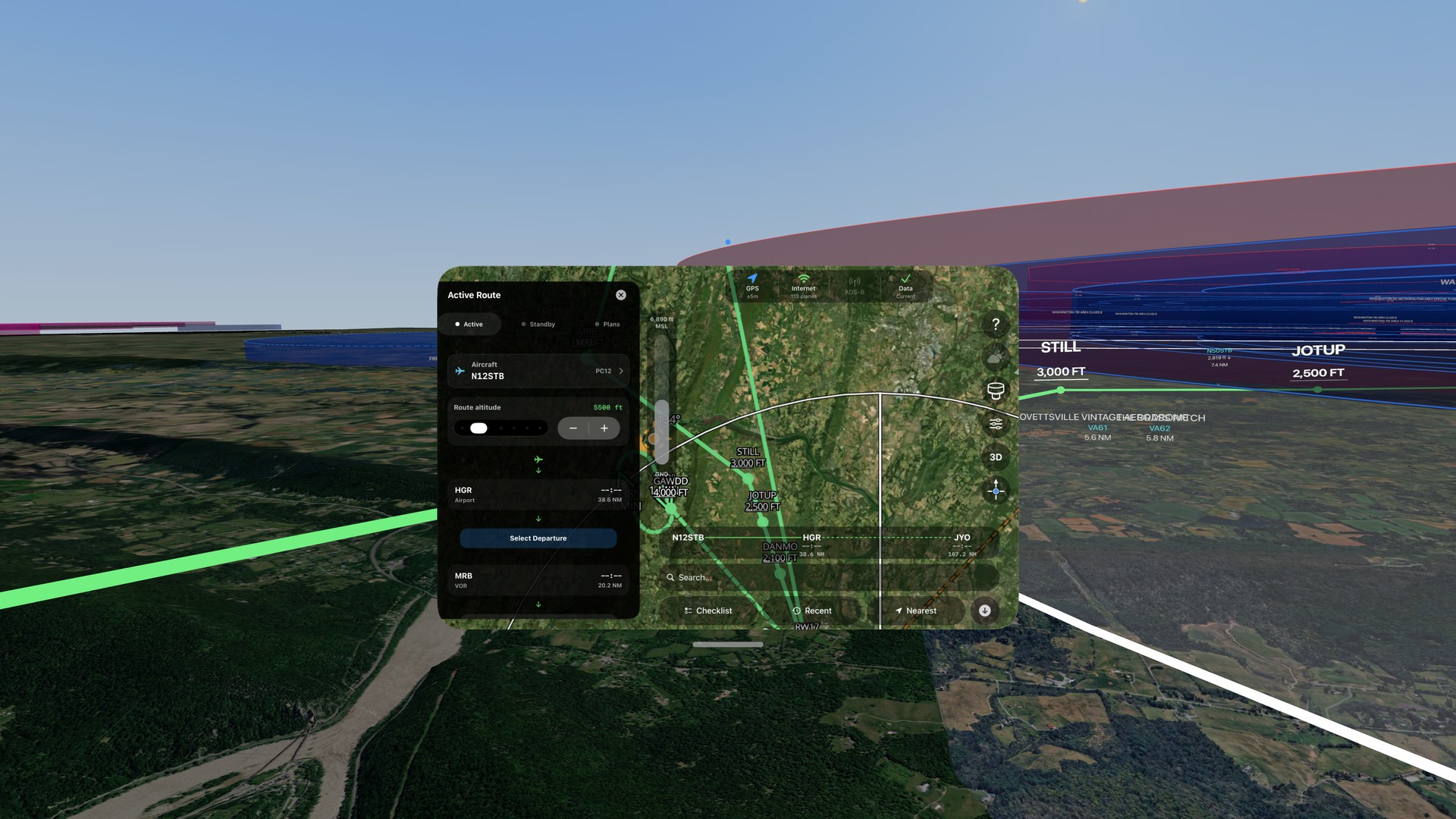
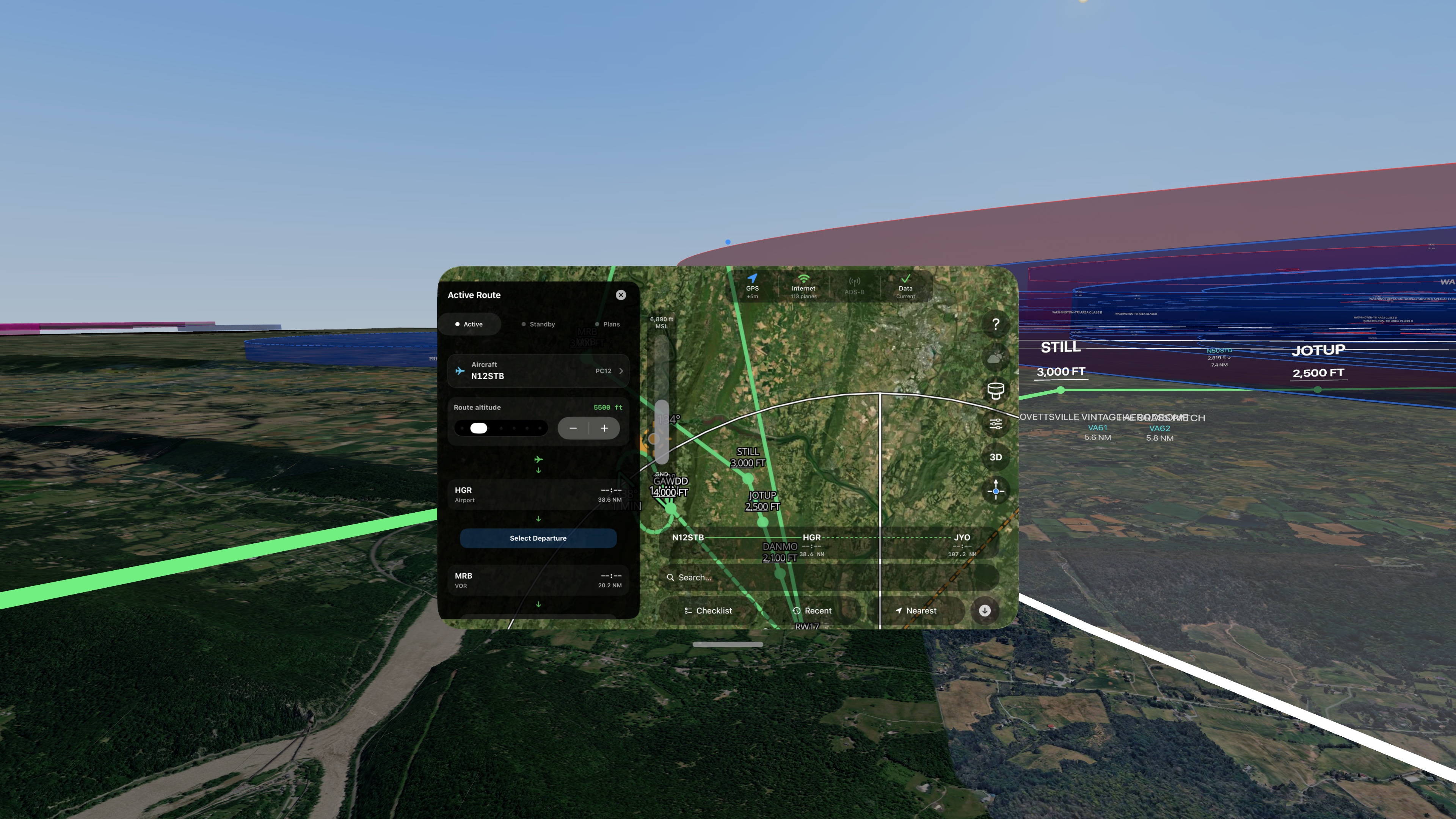
A route from Hagerstown through Martinsburg to Leesburg at 5,500 ft in the flight bag. In the immersive view, the same route is a green line that joins the ILS 17 at STILL.
The plate and the approach, together
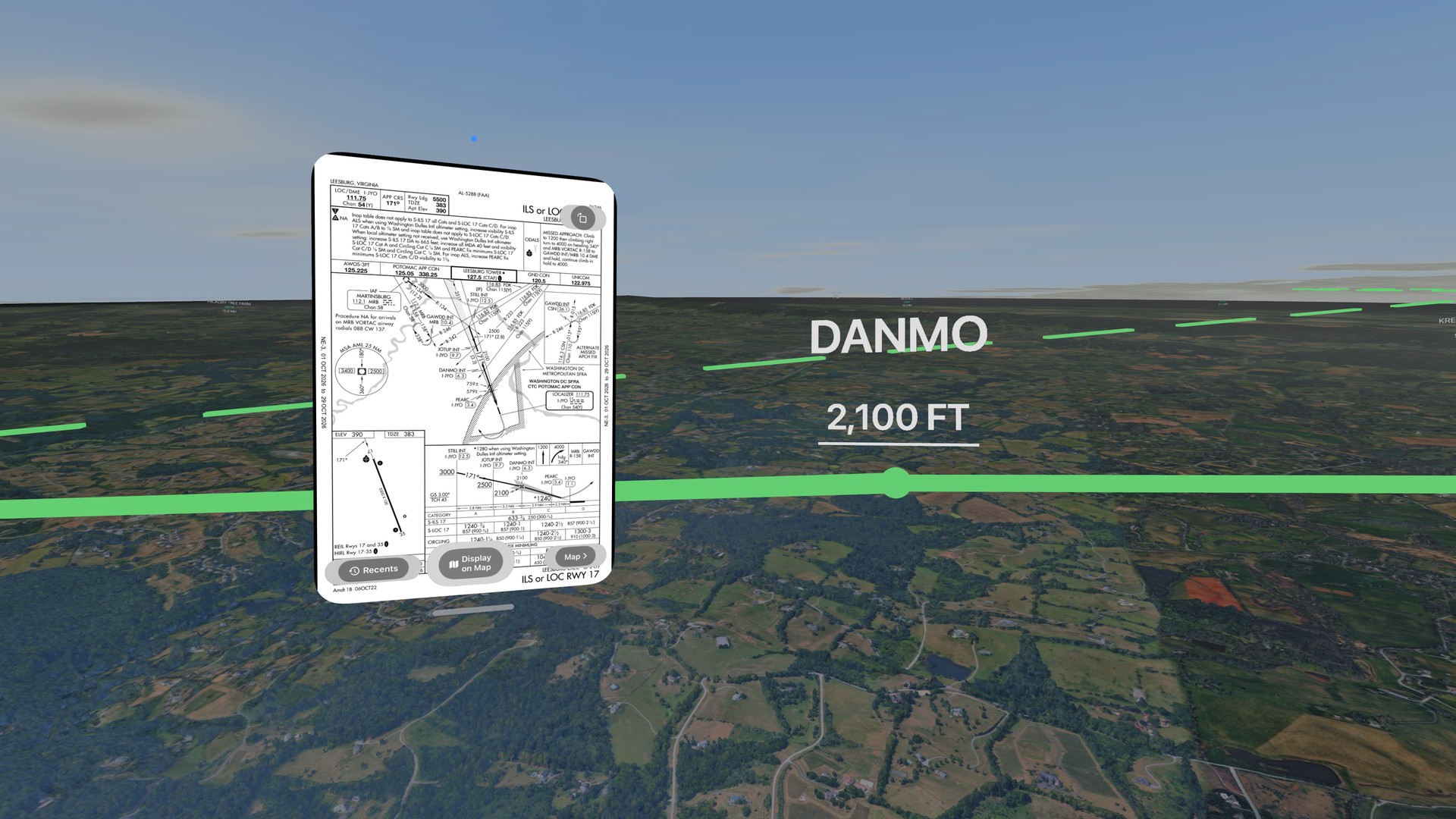
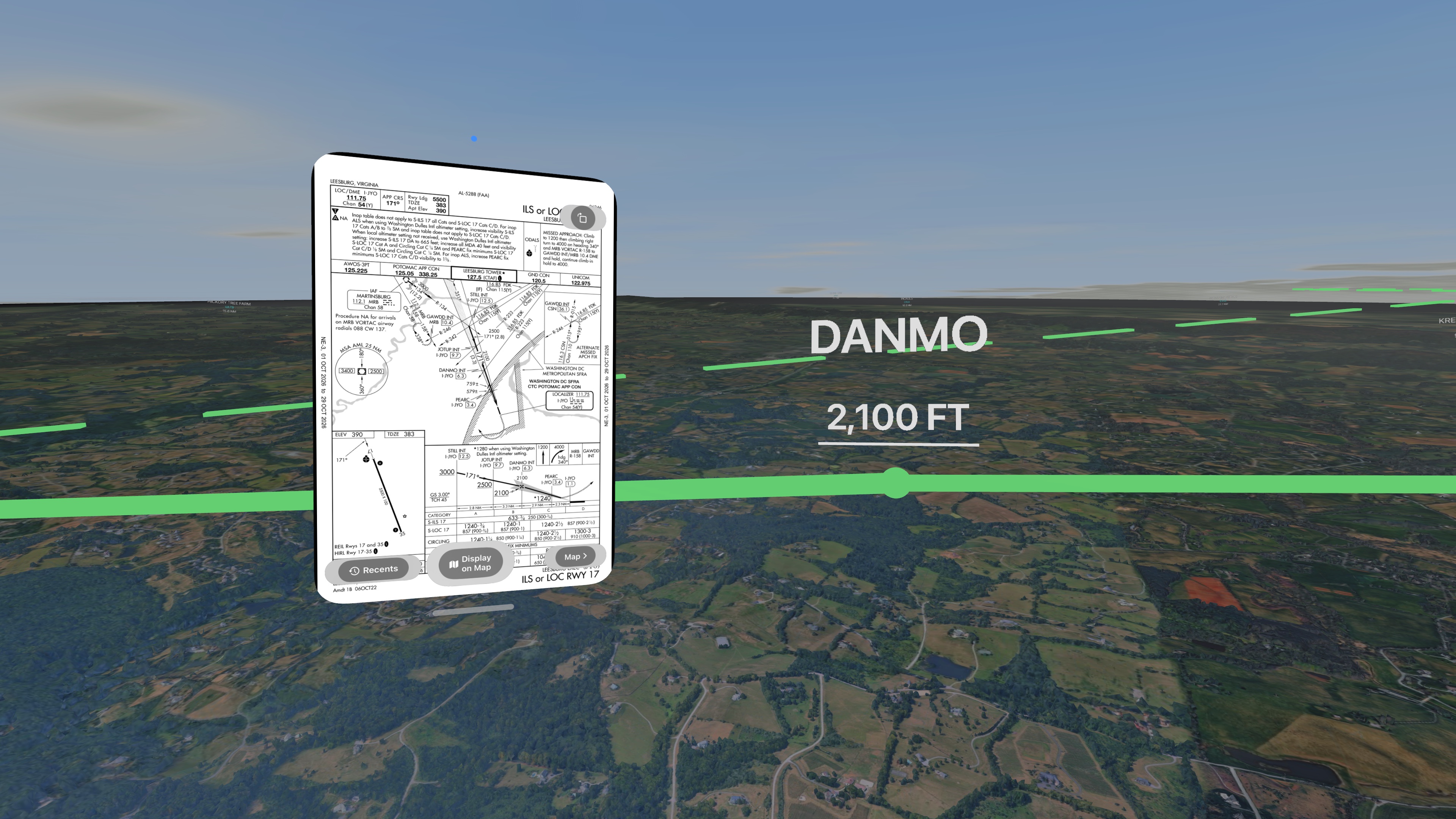
The FAA ILS or LOC RWY 17 plate for Leesburg Executive open in the flight bag, with the same approach drawn in 3D beside it, fix by fix.
App Store preview
The 30-second preview from the App Store listing, with sound. Like the stills, every shot is a real capture of the app.
See The Bravo on Apple Vision Pro
Live traffic, weather in 3D, aircraft search, an approach, airport detail, and FAA charts, NOTAMs and TFRs. 30 seconds, with music.
App Store screenshots
Screenshots from the App Store listing, with their captions, at the Apple Vision Pro size of 3840 × 2160.
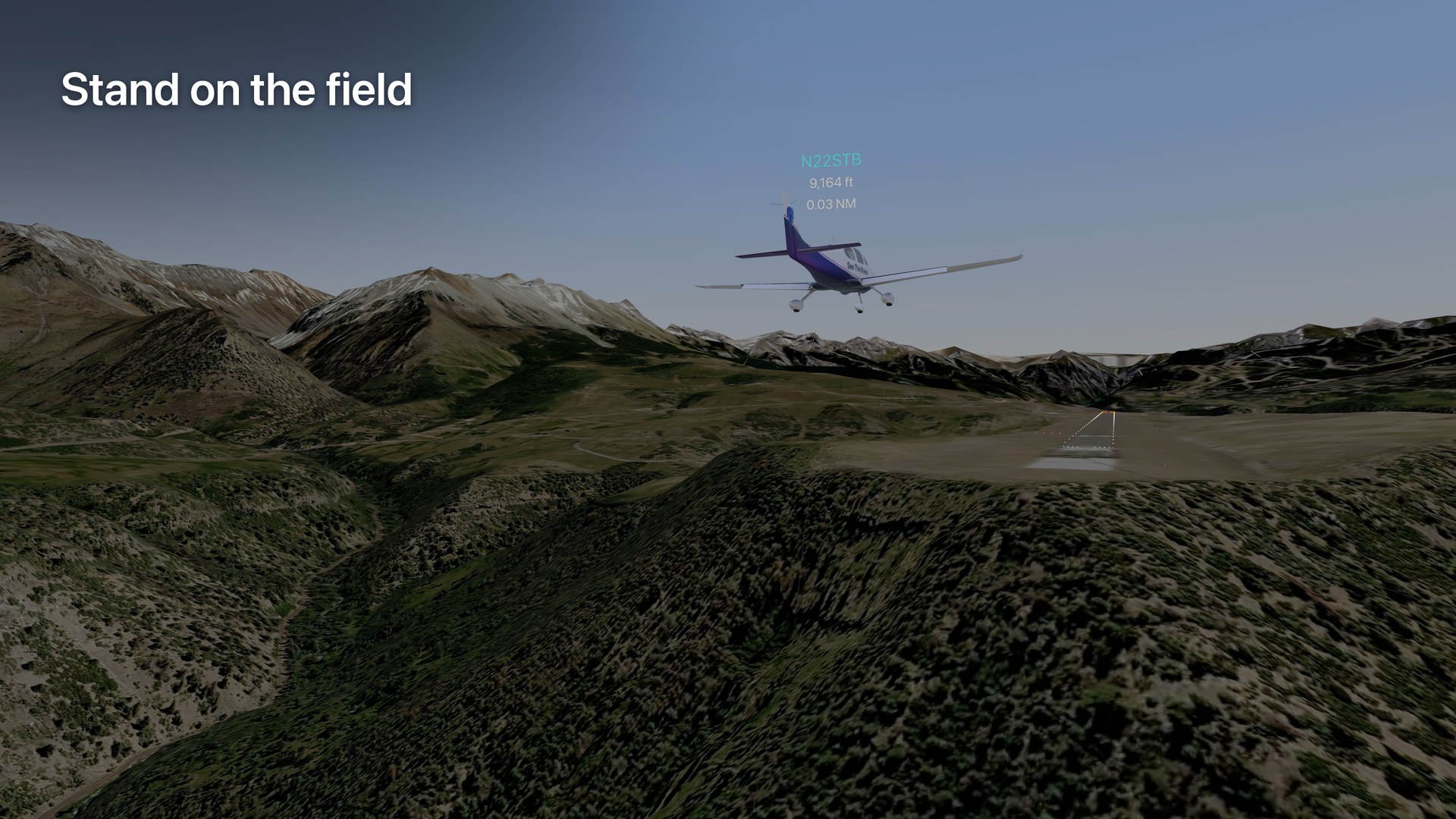
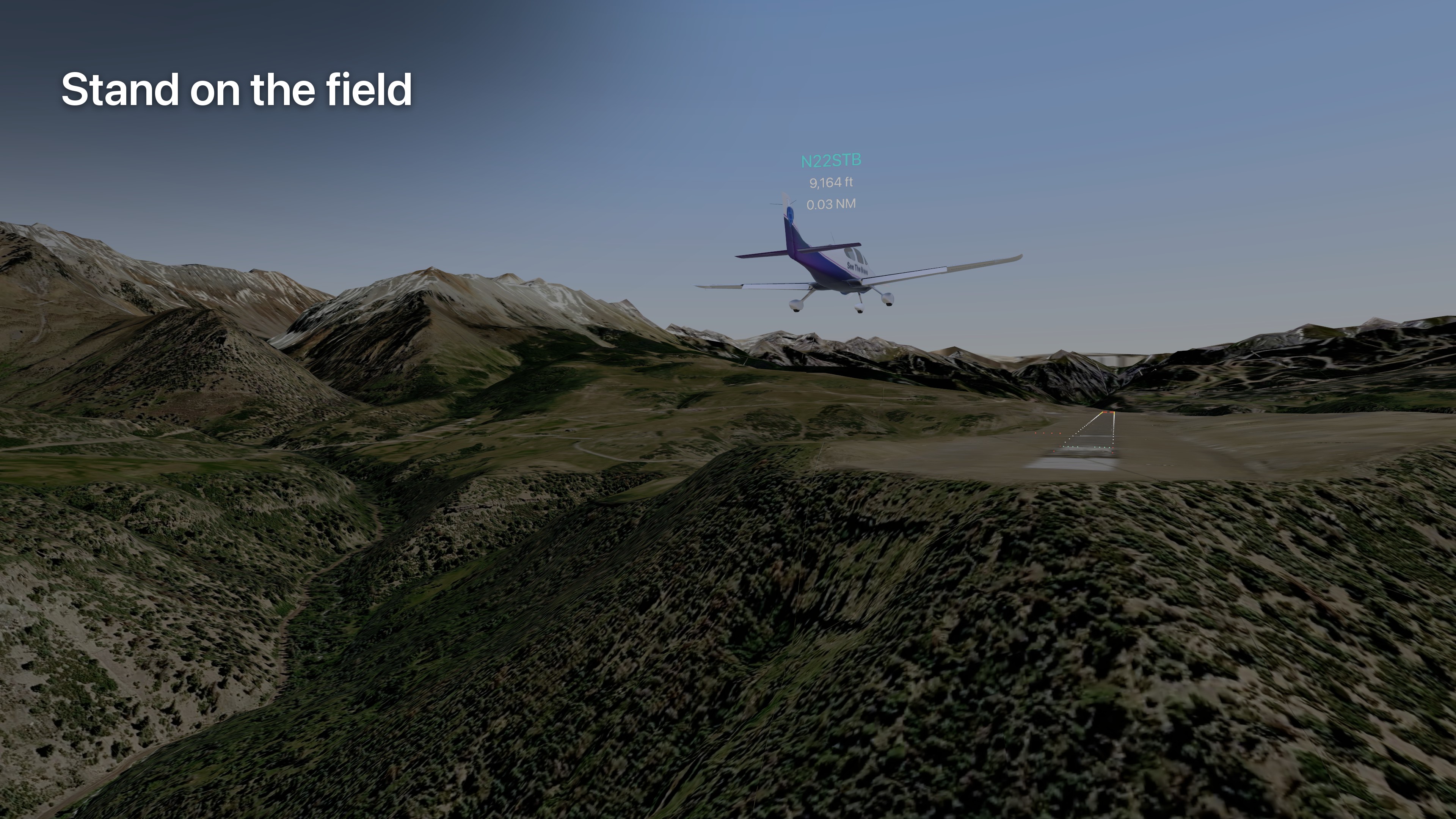
Stand on the field
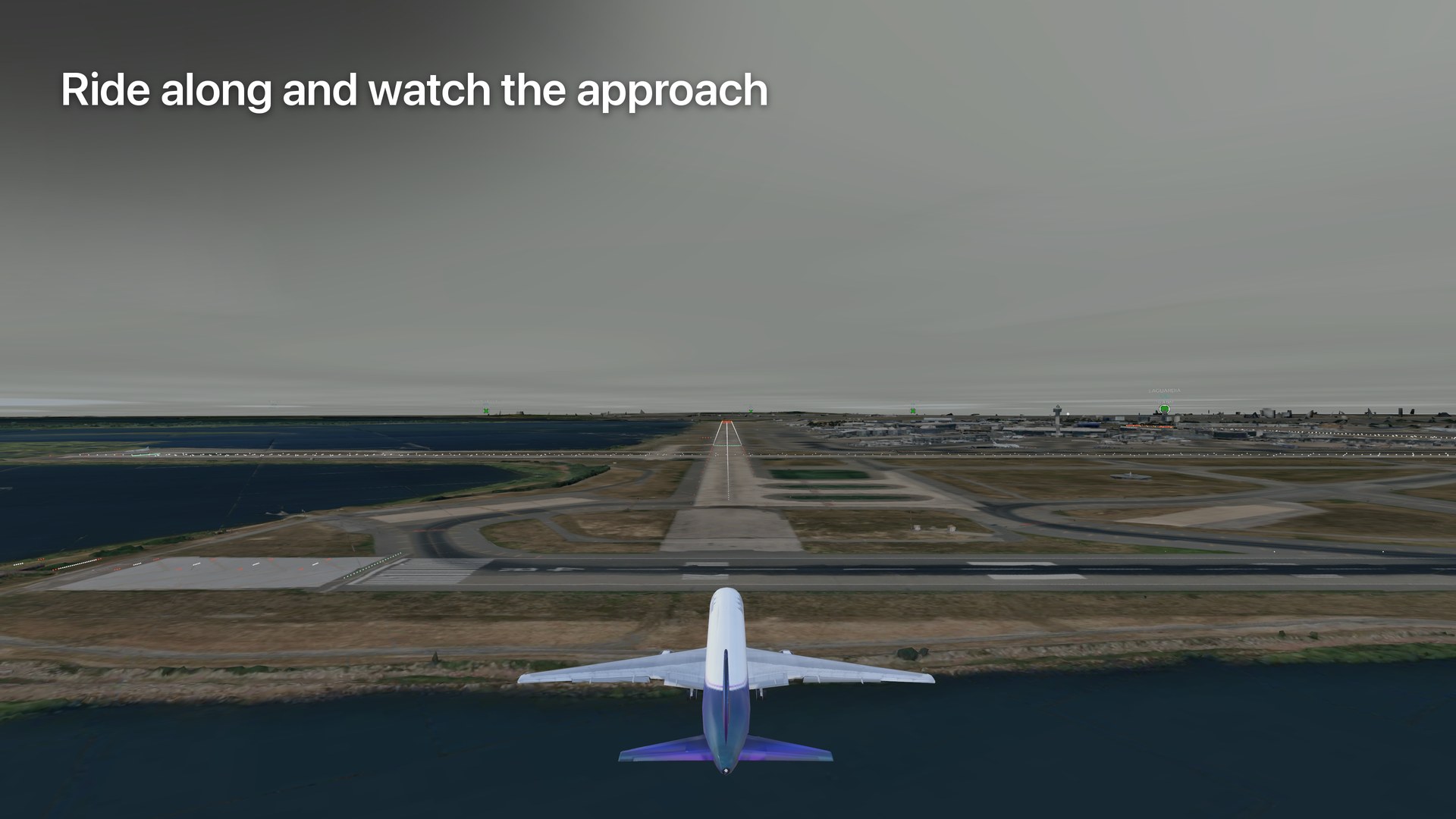
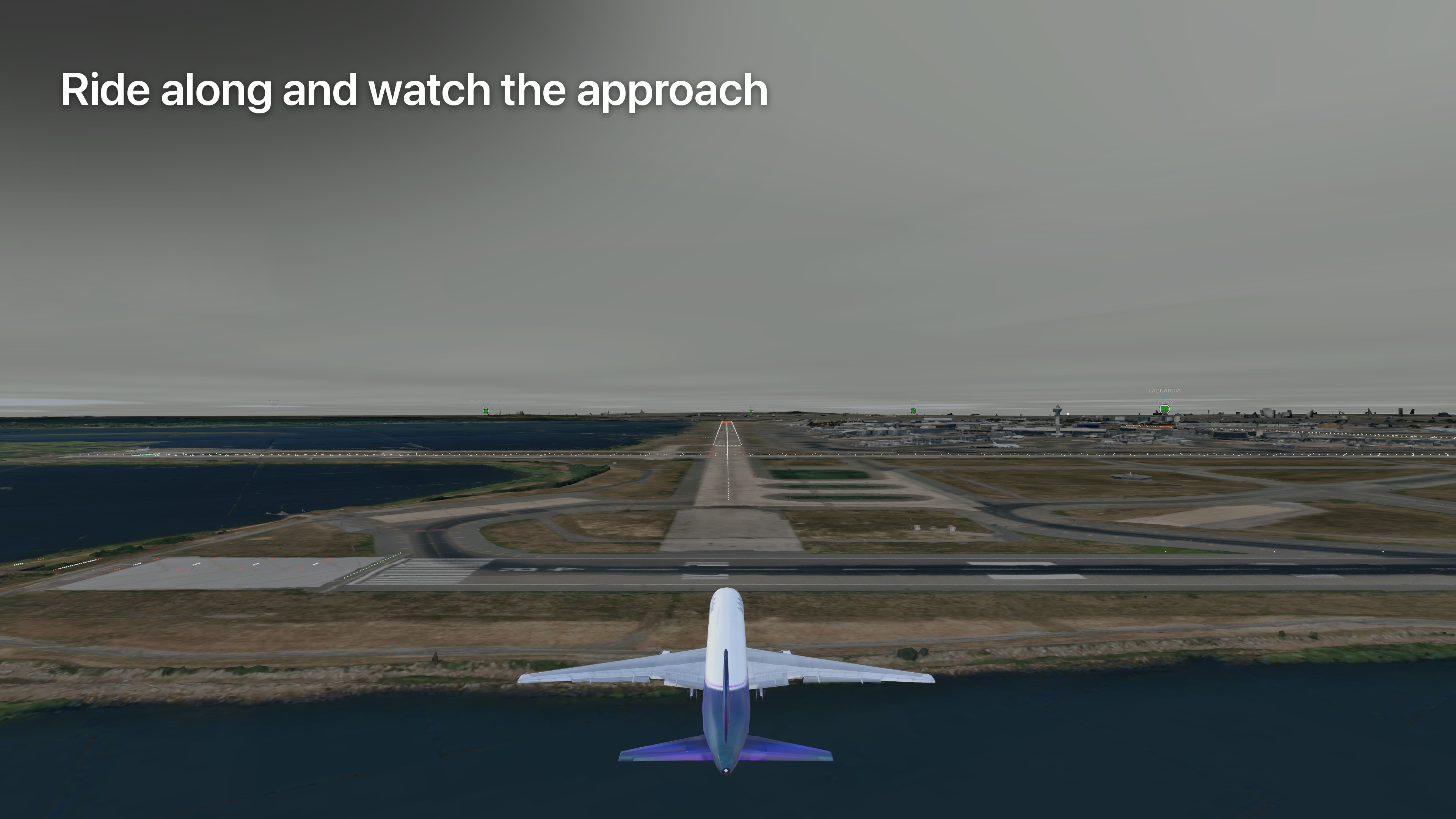
Ride along and watch the approach
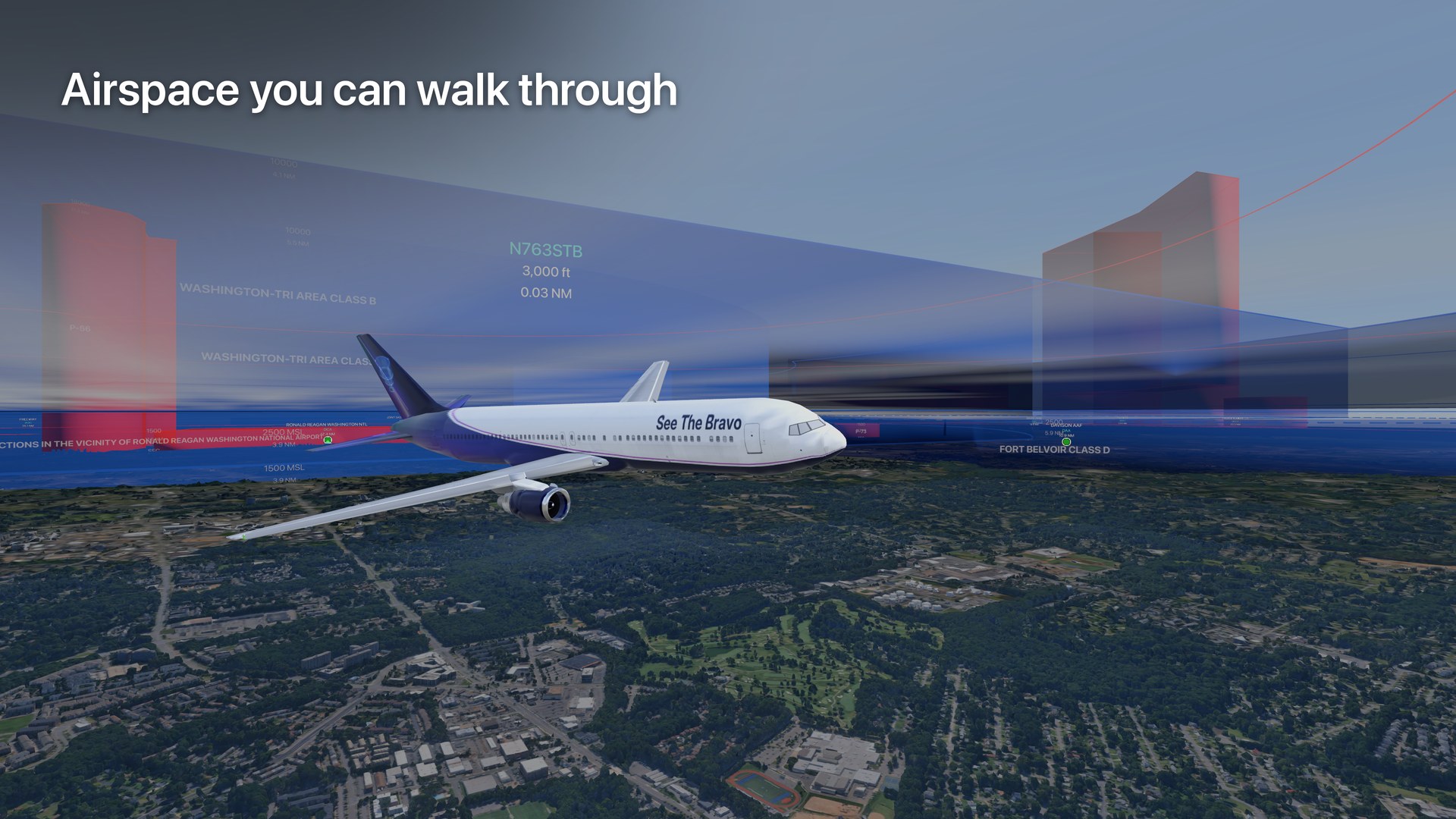
Airspace you can walk through
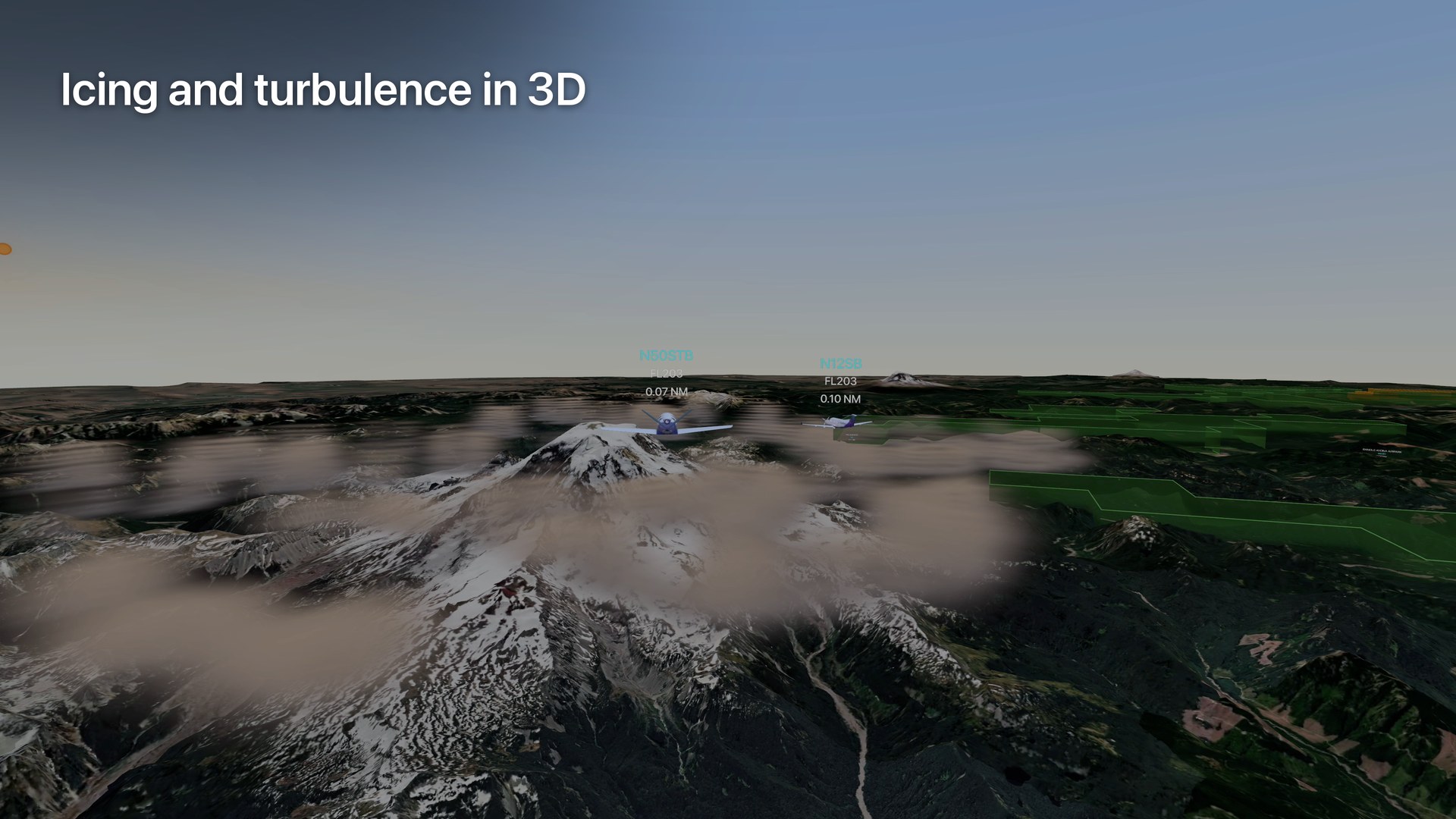
Icing and turbulence in 3D
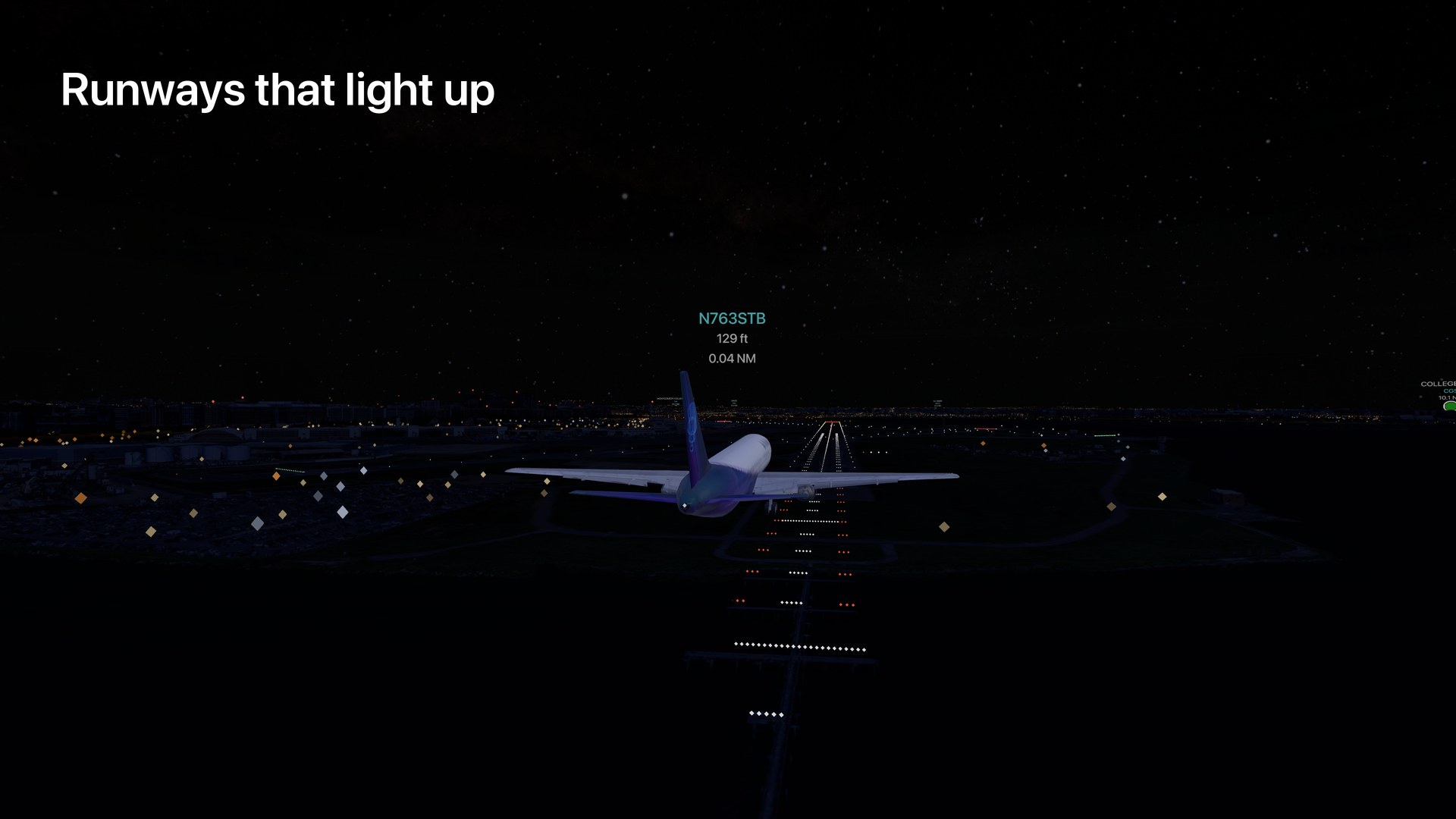
Runways that light up
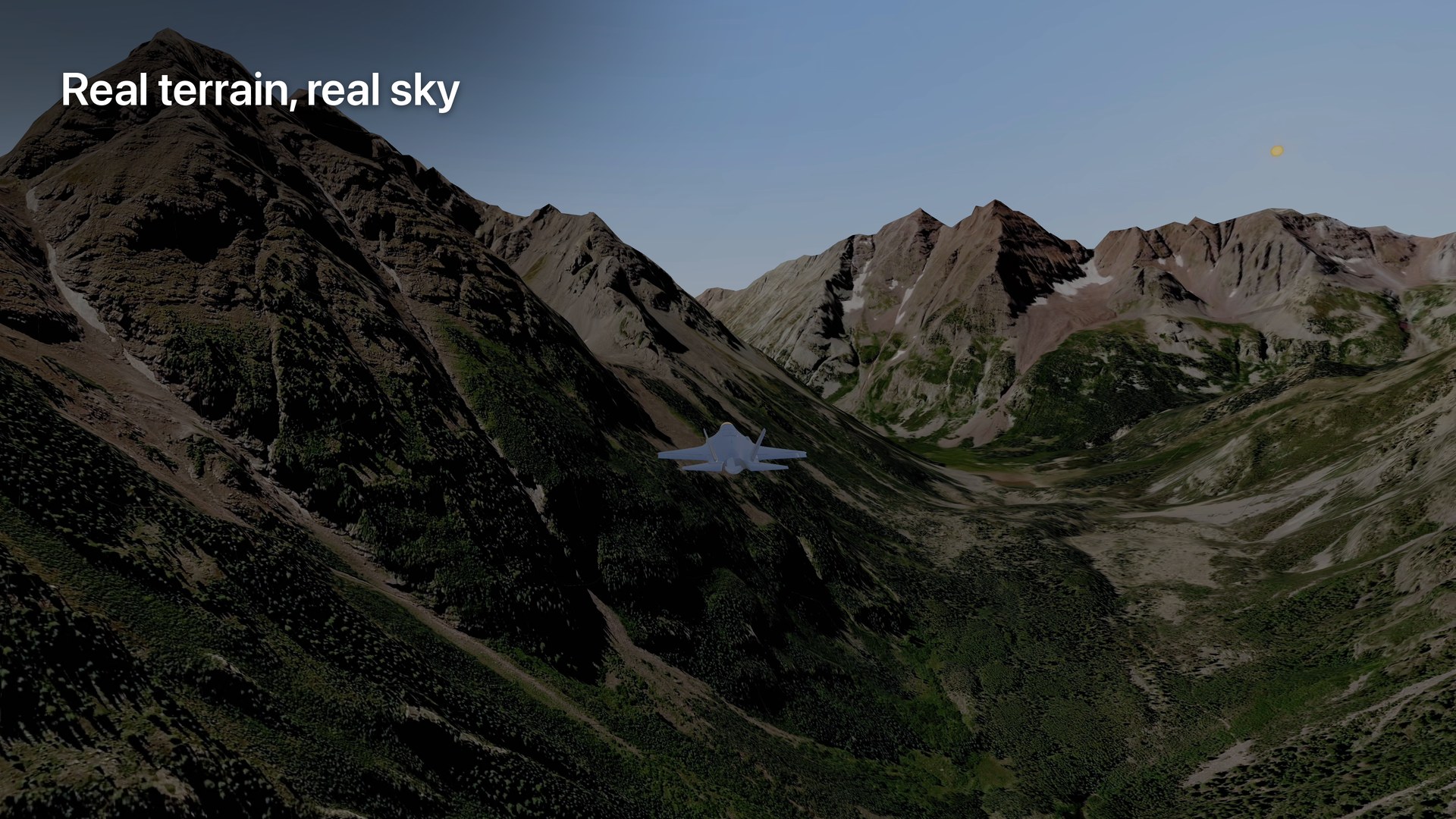
Real terrain, real sky
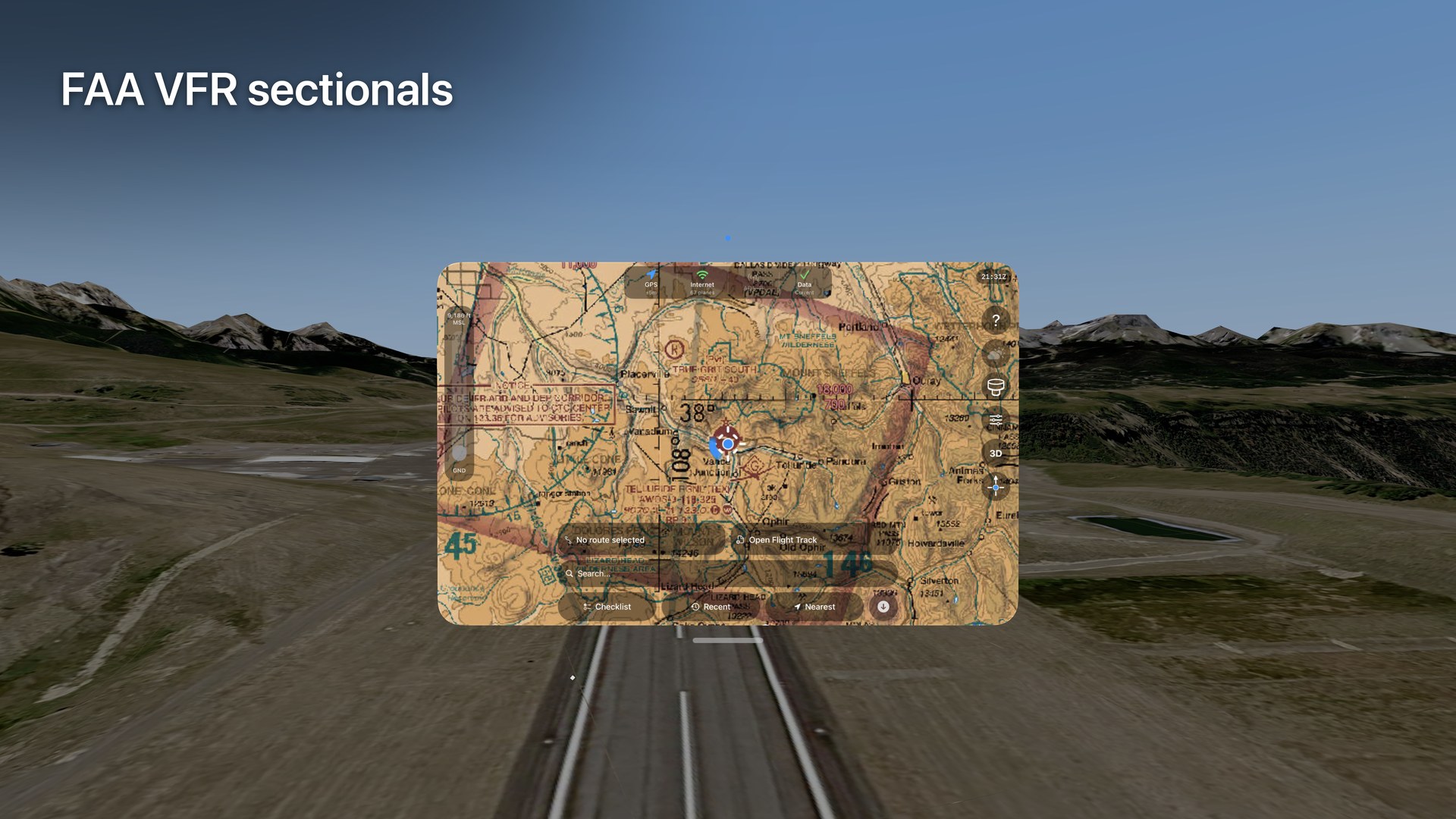
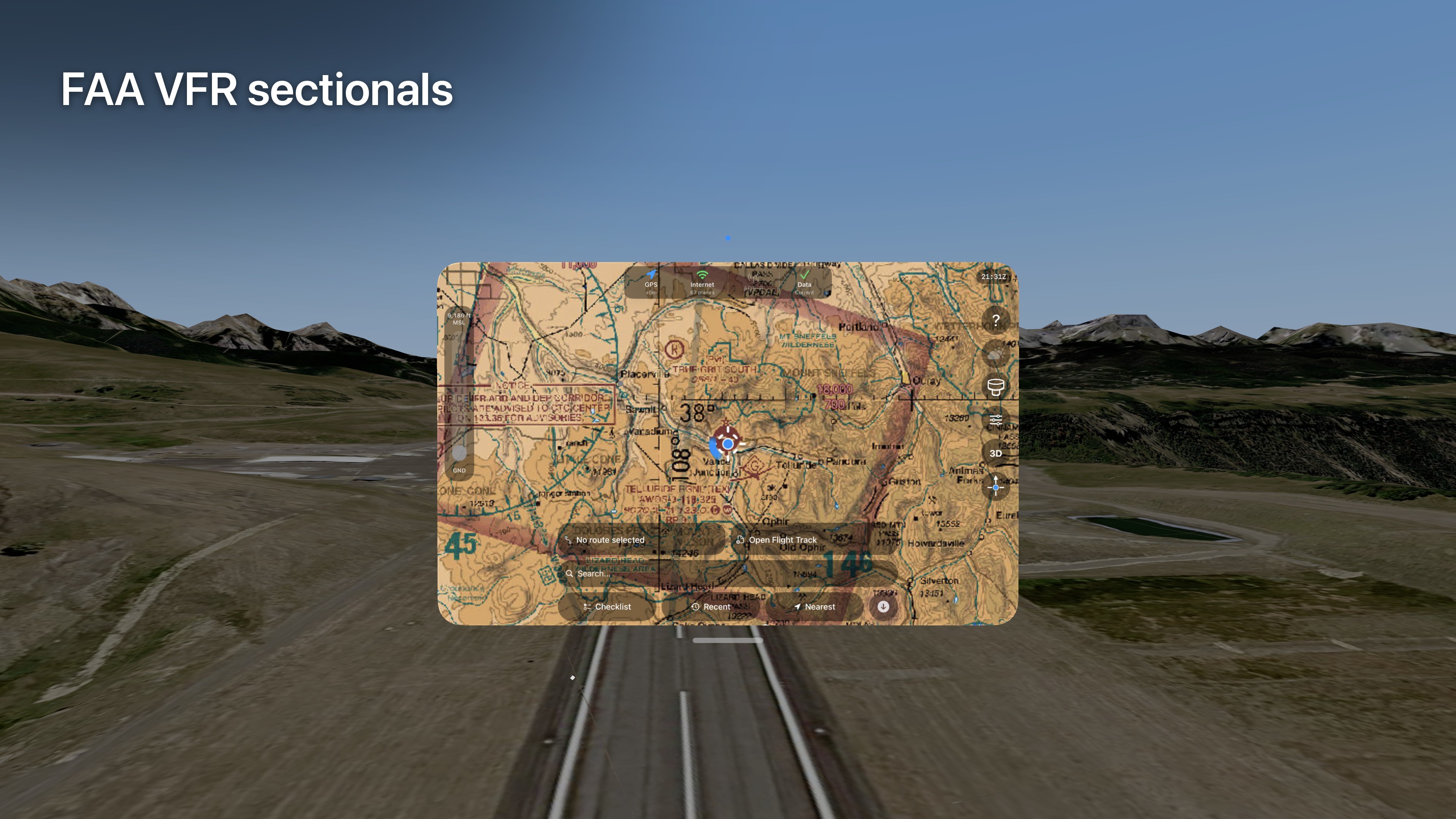
FAA VFR sectionals
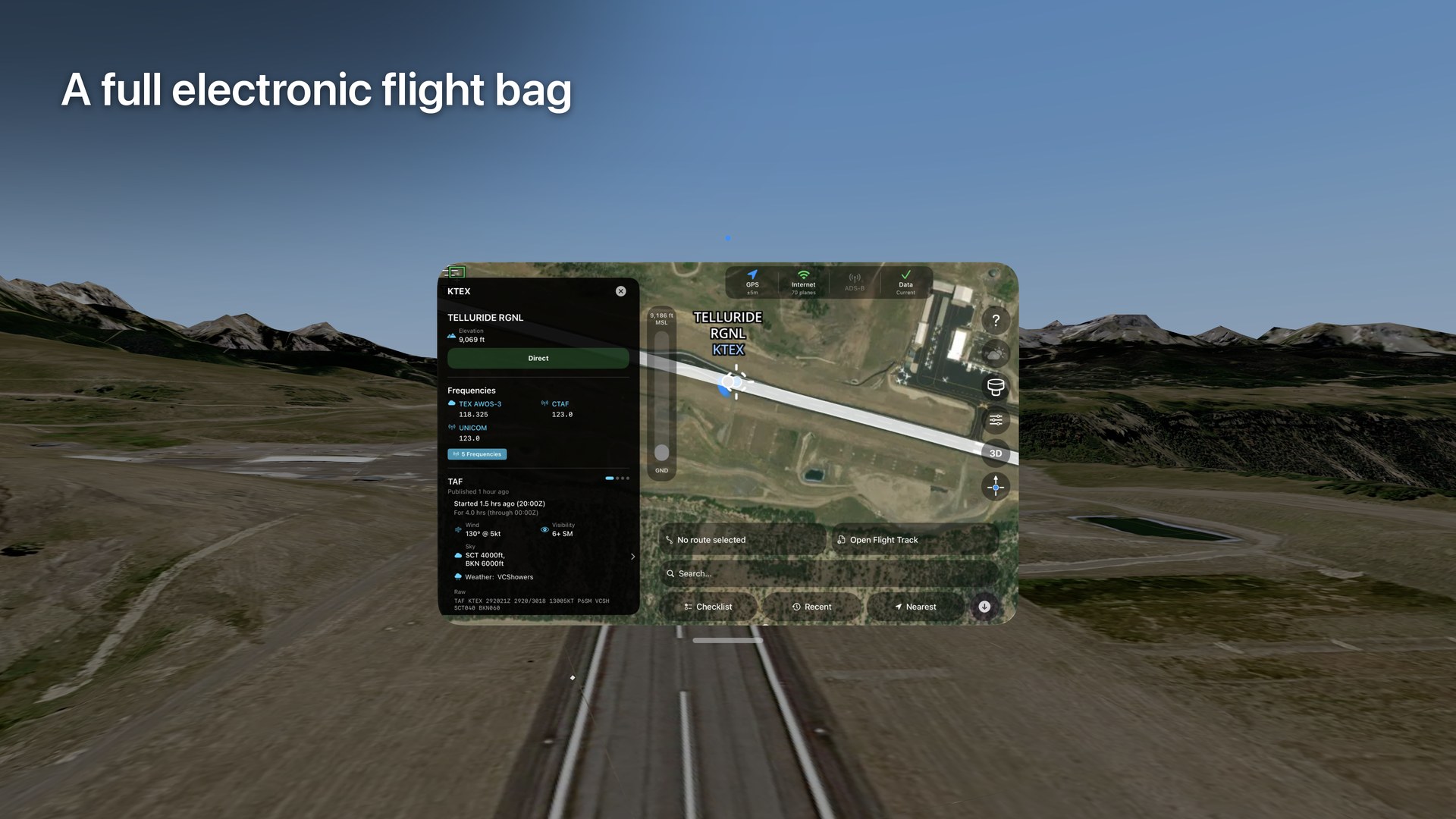
A full electronic flight bag

Free, or subscribe for more
Basic and Pro are auto-renewing subscriptions. Current prices and periods are shown in the app before you subscribe.
Free
- The whole immersive view: 3D terrain, airports, runway and approach lighting, navigation fixes, ILS beams, FAA obstacles, and the sun, moon and stars
- Airspace in 3D: Class B, C, D and E, special use, restricted and prohibited areas, and active TFRs
- The full live traffic feed, with every aircraft drawn as its actual type, and search
- Unlimited traffic, GPS position and attitude data from your own ADS-B receiver
- Eight weather layers: radar, METARs, clouds, winds, fronts, AIRMETs, SIGMETs and CWAs, smoke and PIREPs
Basic Subscription adds
- Satellite maps and FAA VFR sectional charts
- The other nine weather layers: lightning, TAFs, icing, turbulence, freezing level, echo tops, SPC convective outlooks, isobars and GOES infrared satellite
- NOTAMs for airports
- The voice assistant, which runs on-device
- Aircraft profiles and checklists, with spoken call and response
- Drone Remote ID
- Flight track import (KML/KMZ) in 3D
Pro Subscription adds
- Everything in the Basic Subscription
- IFR enroute charts and approach plates
- Photorealistic 3D terrain
- Flight planning and routes, with weight and balance and fuel
- The forecast timeline: scrub forward and watch fronts and outlooks move
Built for the ground
- On the ground. At home, at the airport or in the FBO: look at the traffic, the airspace and the weather before you go.
- On the ramp. Stand by the aircraft and watch the arrivals and departures around the field.
- In ground school and flight training. Walk through Class B shelves, watch an approach from the aircraft's point of view, and see how runway lighting is laid out. Flight schools and instructors can use it to teach, on the ground.
Not in the aircraft in flight, training flights included, and never as a way to fly it. See The Bravo is for situational awareness, training, and enjoyment. It is not a certified navigation or traffic system and does not replace ATC, your instruments, or your judgment as pilot in command.
Where the data comes from
- Airports, airspace, navaids and fixes: FAA NASR
- Charts: FAA VFR sectionals, IFR enroute charts and approach plates
- NOTAMs and TFRs: FAA
- Weather: NOAA (Aviation Weather Center, HRRR, WPC fronts, SPC outlooks, GOES satellite)
- Live traffic: the adsb.lol community network, or your own receiver
- Terrain and imagery: Mapbox, and Google Photorealistic 3D Tiles (Pro Subscription)
- Star map: NASA
Receivers: Sentry, Stratus, Stratux and other GDL 90 devices, over the receiver's own Wi-Fi. Traffic, GPS position and attitude data from a receiver work with no internet connection.
Questions we get asked
Can I fly with it?
See The Bravo is built for the ground: preflight, the ramp, and ground school. It is not a certified navigation or traffic system, and the app says so before first use. It does not replace ATC, your instruments, or your judgment as pilot in command.
Is it certified?
No. It is for situational awareness, training and enjoyment. For flight planning and operations, use official FAA-approved sources.
Why does it need my location?
To fetch the aircraft, airspace, weather and map imagery around you. That means asking our servers and our map providers for data about the area you are in. We do not sell your location or use it for advertising. The details are in the Privacy Policy.
Does my voice leave the headset?
No. The voice assistant, part of the Basic Subscription, is understood on-device with Apple Intelligence, and the app listens only when on-device speech recognition is available. Recordings are not sent to our servers. When a command needs data, such as the weather at an airport, the app fetches that data the same way the rest of the app does.
Do I need an ADS-B receiver?
No. With an internet connection, live traffic comes from the adsb.lol community network, free on every tier. A receiver is optional: Sentry, Stratus, Stratux and other GDL 90 devices connect over their own Wi-Fi and give you traffic, GPS position and attitude data with no internet at all. Receiver traffic is free and unlimited. Sharing unrecognised receiver data with us, to help support more devices, is off unless you turn it on.
Where does the data come from?
FAA (airports, airspace, charts, NOTAMs, TFRs), NOAA (weather), the adsb.lol network or your own receiver (traffic), Mapbox and Google (terrain and imagery), and NASA (the star map).
Before launch day
Coverage is under embargo until November 1, 2026 at 09:00 ET (14:00Z). Before then, please publish nothing about See The Bravo: no articles, posts, videos, screenshots or social media.
Review builds are pre-release and for review only. Please do not share the invitation or the build. Features and wording may change before launch.
The images on this page may be used in coverage of See The Bravo once the embargo lifts.
Travis Collins, founder
For review access, interviews, or anything you need before launch day. On launch day we reply to press within the hour.